- ForgeFramer
- Tools
- Shed, deck & fence designer
Shed, deck & fence designer
Shed, deck &fence designer.
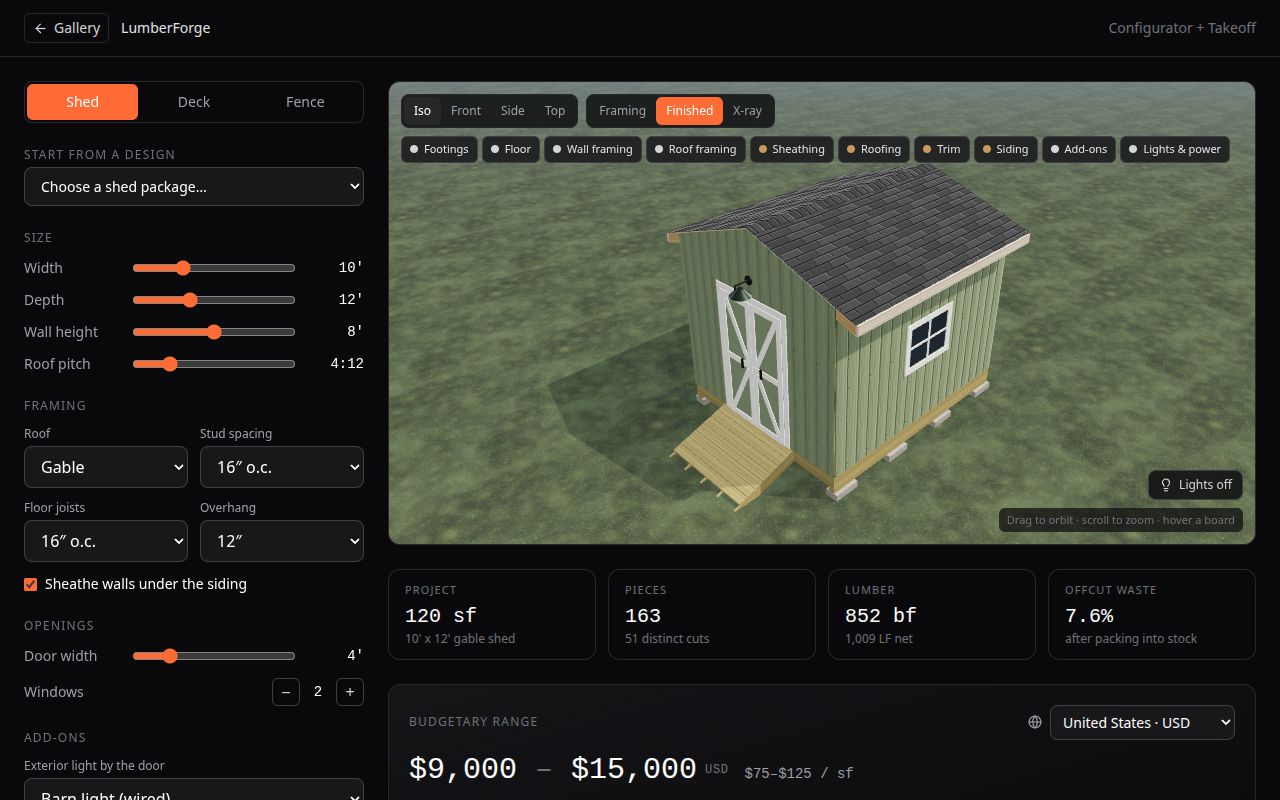
Pick a shed, a deck or a fence, size it and choose stains or paint. Every board is drawn in 3D, and the takeoff packs each cut into the stock lengths your lumber yard sells.
For DIY builders who want a lumber list before the first trip to the yard, and for small contractors quoting backyard jobs.
01 / What it does
What you can do with LumberForge
Three project types
Sheds, decks and fences, each starting from a design package you can change.
Every board in 3D
Framing, Finished and X-ray views show each stud, joist, rafter, rail and board.
Cuts packed into stock lengths
The takeoff allows for saw kerf and picks the cheapest mix of stock lengths, plus sheet goods and hardware.
Stains, paint and shingles
Try finishes before you buy them.
Budget range by country
Ranges for the US, Canada, Mexico, the UK, Germany, Australia and New Zealand; fences are priced per linear foot (per metre outside the US).
CSV exports
Download the takeoff and the cut list.
02 / How it works
How it works
- Choose shed, deck or fence and set the size.
- Pick stains, paint and roofing.
- Read the buy list and budget, then export the takeoff and cut list.
Every configurator opens in preview for anyone, no sign-up. A free 7-day key from the access page unlocks the full tool: sizes, layouts, takeoffs and exports.
03 / Questions
Frequently asked questions
How much lumber do I need for a shed or deck?
It depends on size, spacing and design, which is why the designer counts every board from the 3D model and packs the cuts into real stock lengths instead of using a square-foot rule.
Does it handle footings and spans?
It shows spans, footings and frost depth as guidance only. Check your local building code and permit rules before you build.
Is the budget a quote?
No. It is a range from regional cost bands. Prices at your yard will differ.
What is free?
Anyone can switch between shed, deck and fence and try stains, colours and views. A free 7-day key unlocks sizes and the cut lists.
04 / Related
Related tools
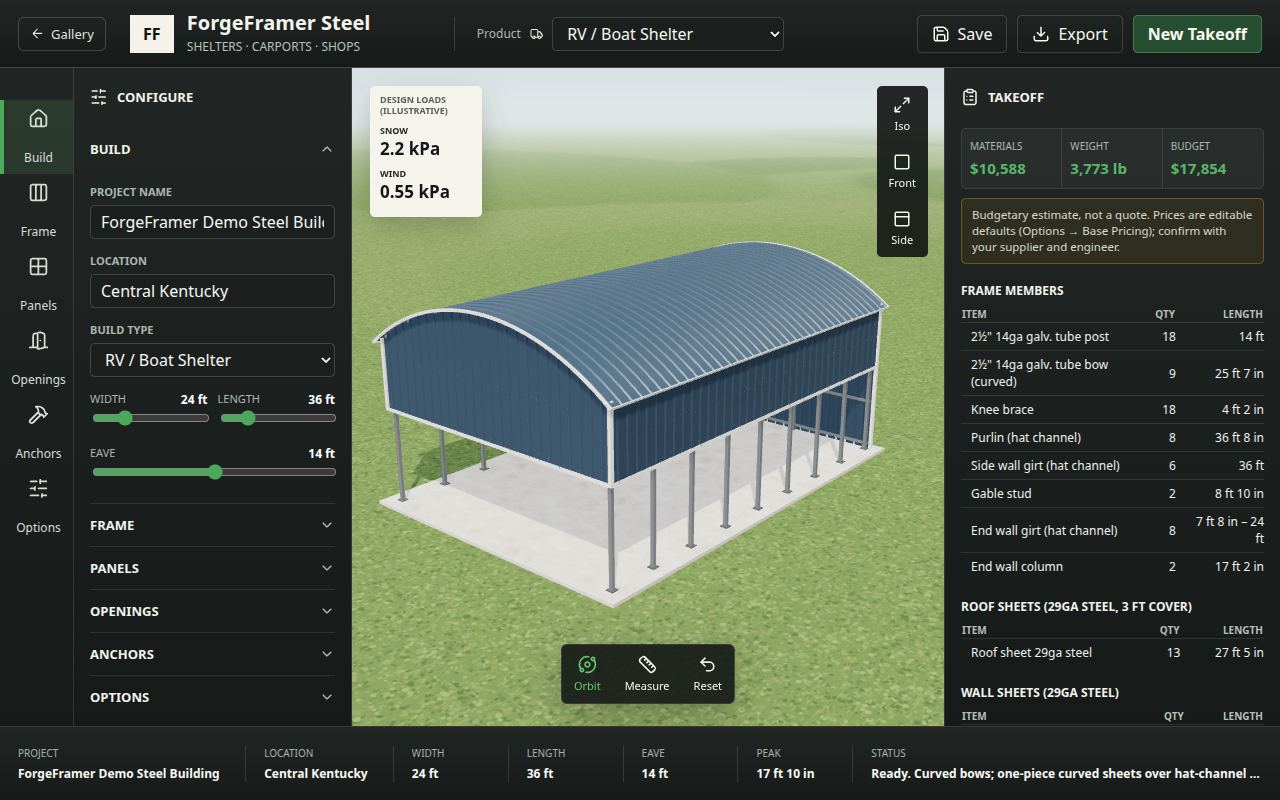 Steel carport, shelter & shop designerDesign a steel carport, RV shelter or metal shop in 3D: regular, vertical or arched roof, open or closed sides, roll-up doors and colours, with a takeoff and budget.
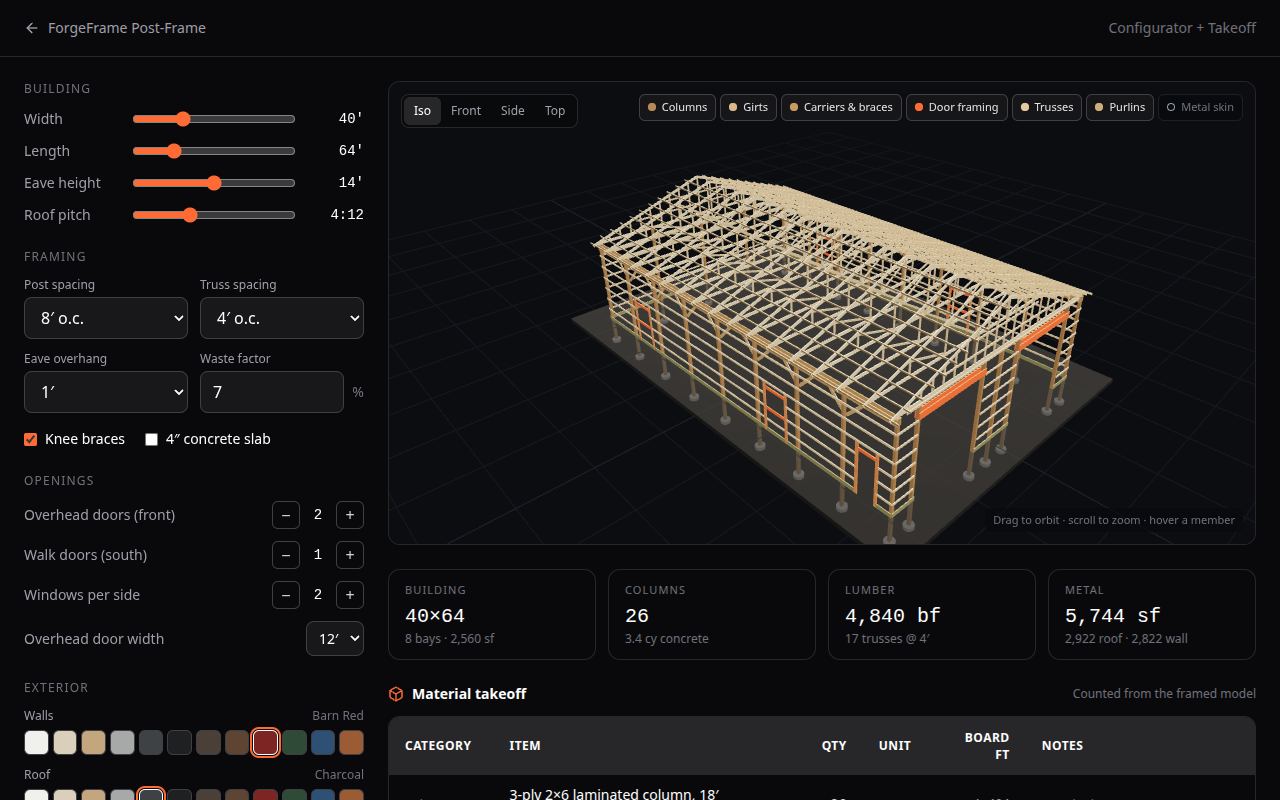 Pole barn & post-frame designerDesign a pole barn in your browser. Columns, girts, carriers, trusses and the metal skin are framed live in 3D, with a lumber and metal takeoff and a budget range.
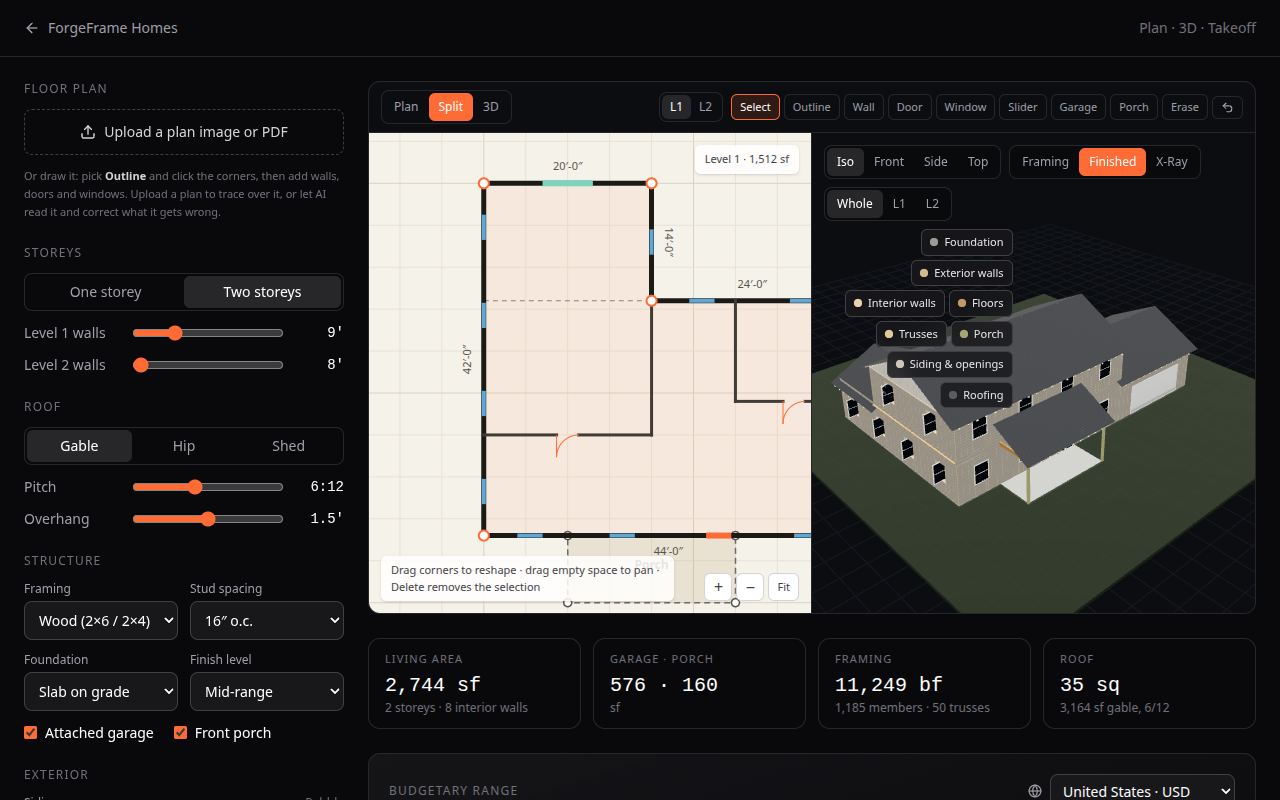 House framing estimatorDraw a floor plan, trace an uploaded one or let AI read it. Get a framed 3D house, a material takeoff and a budget range for seven countries.